Adding YOUR html content
Every time you add a new html file or you edit it you have to do this step below Go to Menu > File > Sync project with gradle files or just hit Ctrl+Shift+O
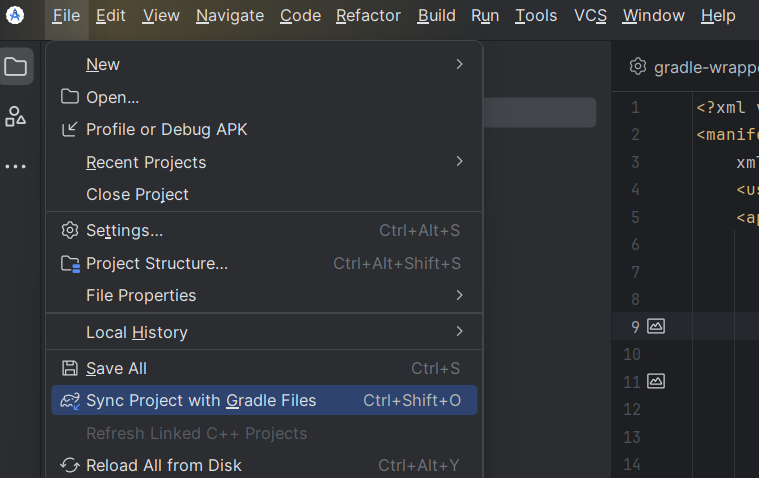
THEN you build the apk
Back to adding your html content, navigate to AndroidHtmlApp > App > src > main > assets and over there you can add your html content
Next step (Customising the app)